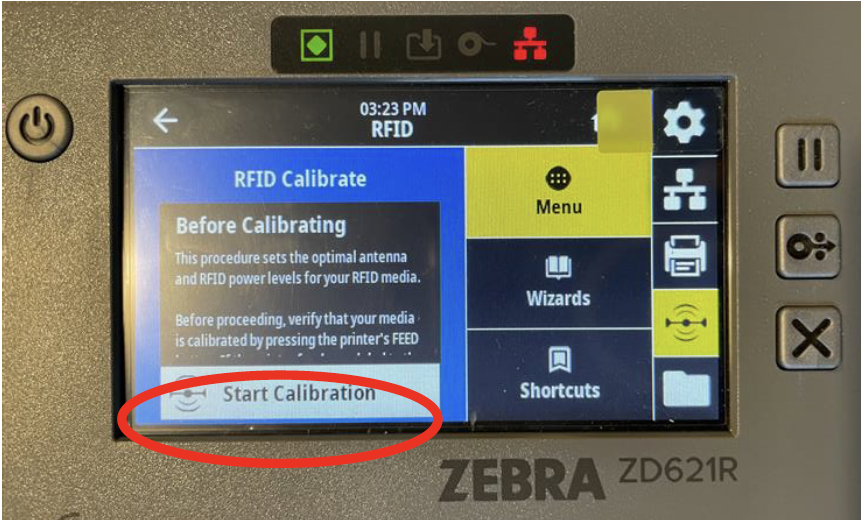
Printer Calibration
Printer calibration is imperative to ensure that the tags are printed properly and able to scan with an RFID scanner. Calibration must be performed anytime the printer tags or ink are replaced or moved. There are two types of calibration that must be performed Manual (Tag) and RFID.
Manual Calibration
The printer measures the length and distance of the tag, and the spacing between the tags. To perform a manual calibration, press and hold the pause and cancel button (at the same time) until the tags begin moving.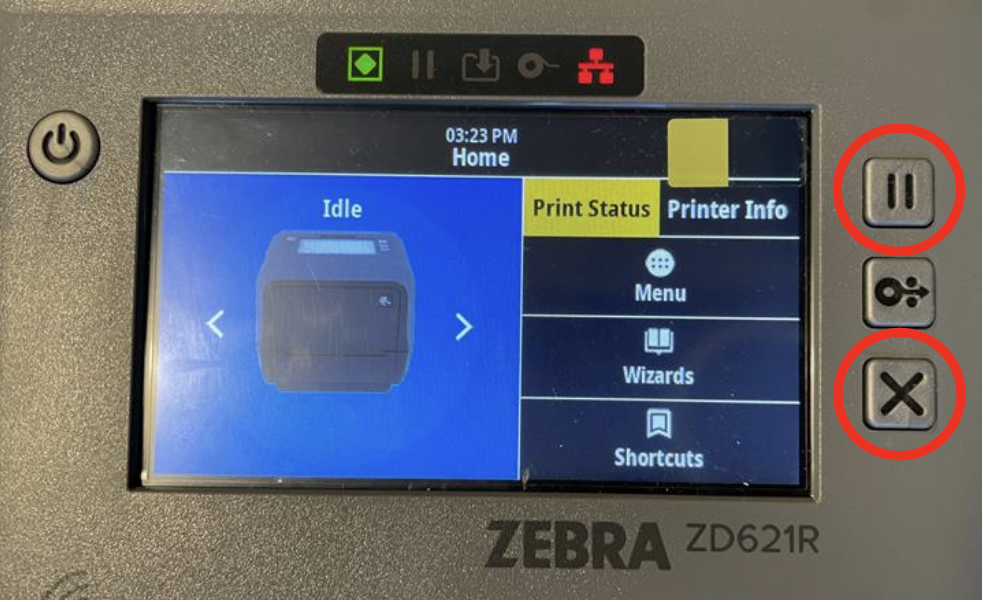
Once the tag starts moving, you can release the two buttons. Wait until the tag stops moving and then manual calibration is complete.
RFID Calibration
The printer will perform the RFID calibration to determine the power level to encode the tag with your RFID. To perform the calibration first click on 'Menu'.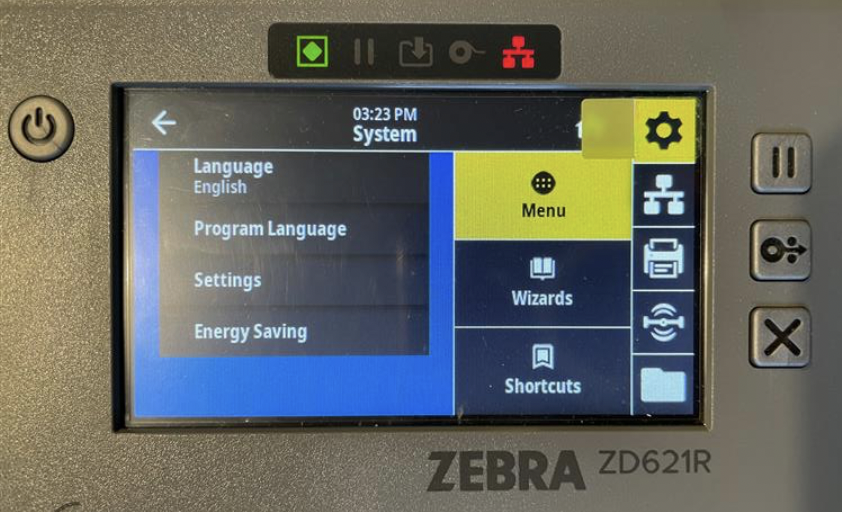
Next, select the RFID section.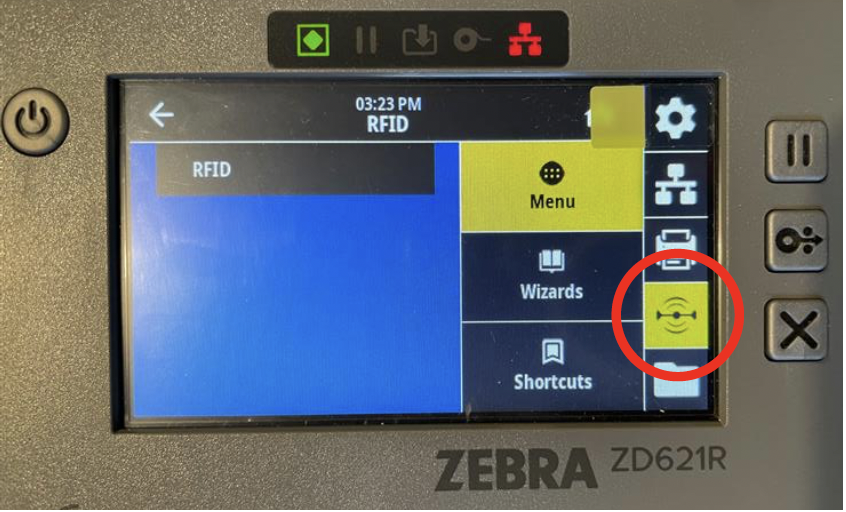
Click on RFID and then RFID Calibrate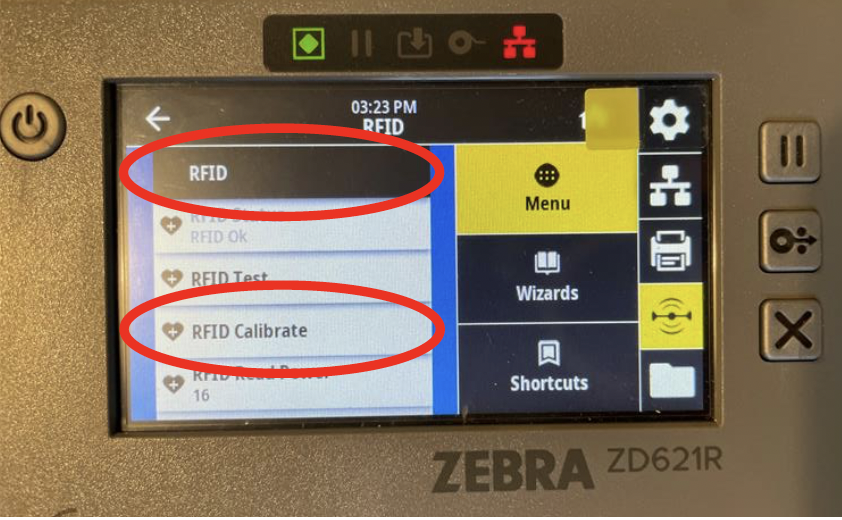
Then select 'Start RFID Calibration'. The tag will begin moving and a message will appear saying the process was completed successfully.