
Overview
This article explains how to re-print tags for all items that are currently In Stock for a specific store in SWIM.
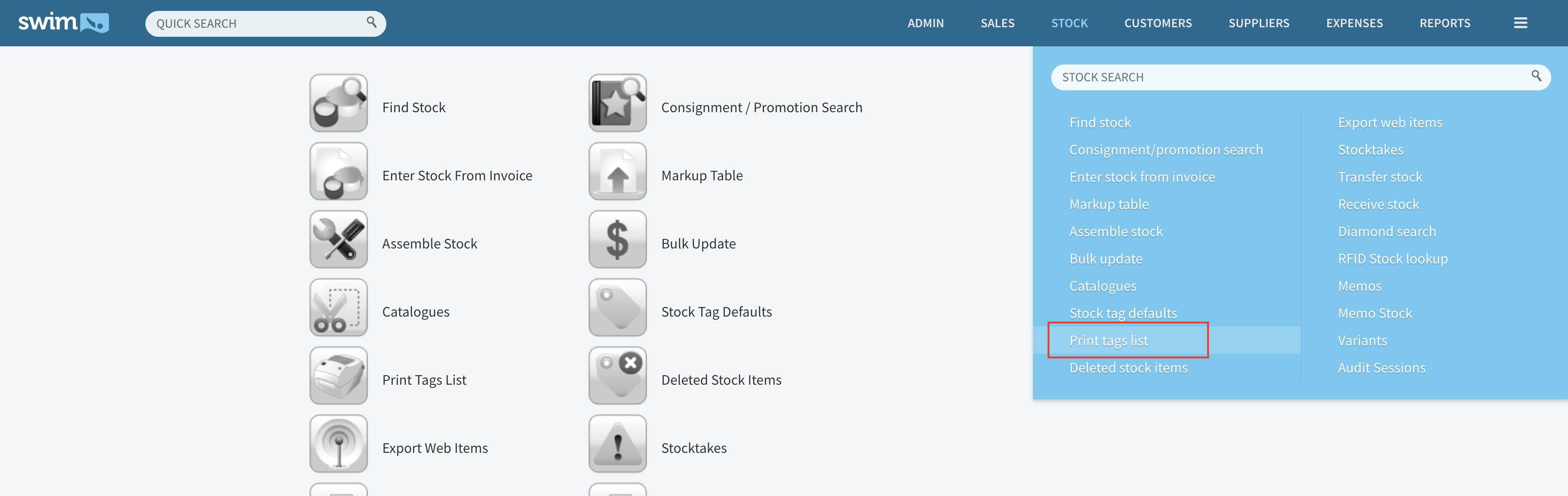
- Hover over 'Stock' on the top menu bar and click on 'Print tags list'.
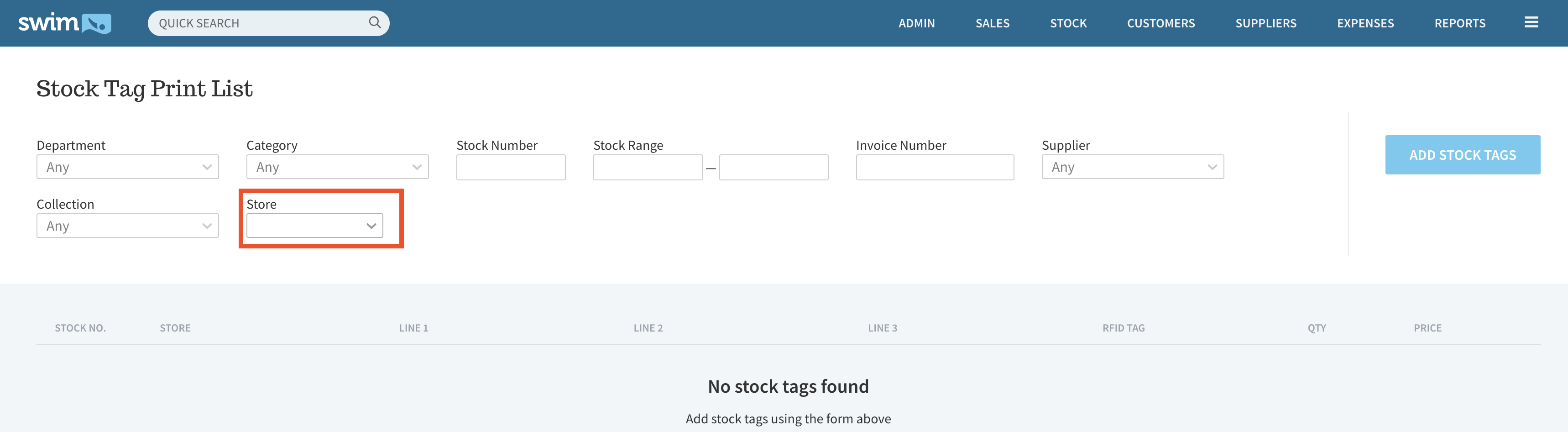
- Select the Store you want to print the tags for.
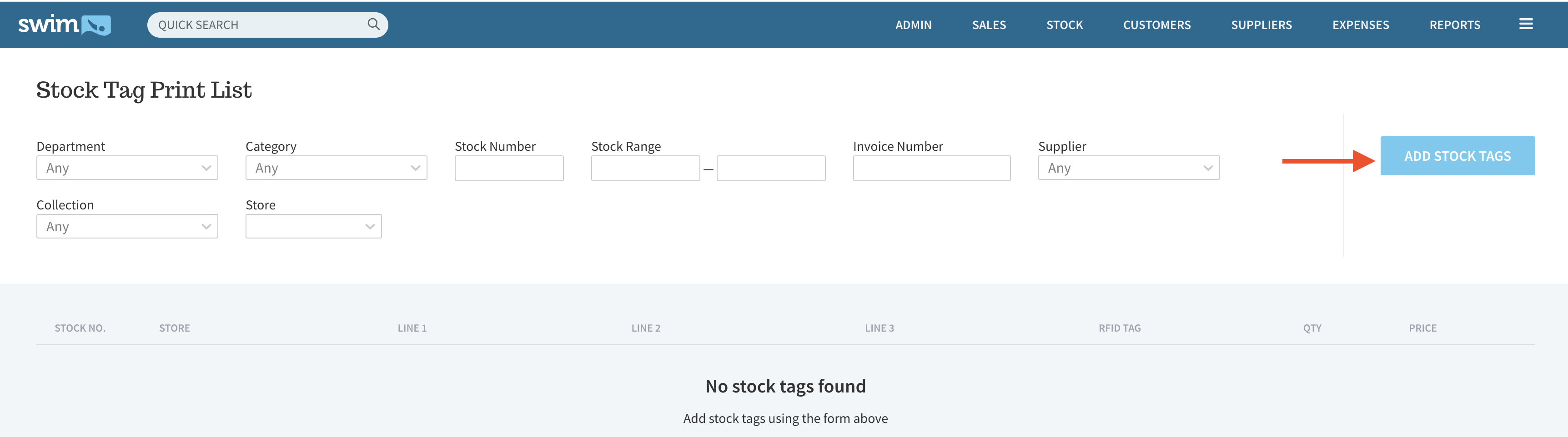
- Click 'Add Stock Tags'. All items that are In Stock at the selected store should display in the Stock Tag Print List.
- Click 'Print Stock Tags' at the bottom right corner.