
What is Swim Store Email and Store Password?
The Swim Store Email and Store Password are the credentials used to log in to your Swim POS. They may be different from your Client Area login details.
If you need to reset or update your Swim Store login details, this can be done via the Client Area.
Logging In to the Client Area
When you first sign up for Swim, your email and password also provide access to the Client Area.
To access the Client Area, visit: https://support.onswim.com/clientarea.php
Note: For security, we recommend using a different password for the Client Area than your Swim store login.
- Log in via the Client Area
https://support.onswim.com/clientarea.php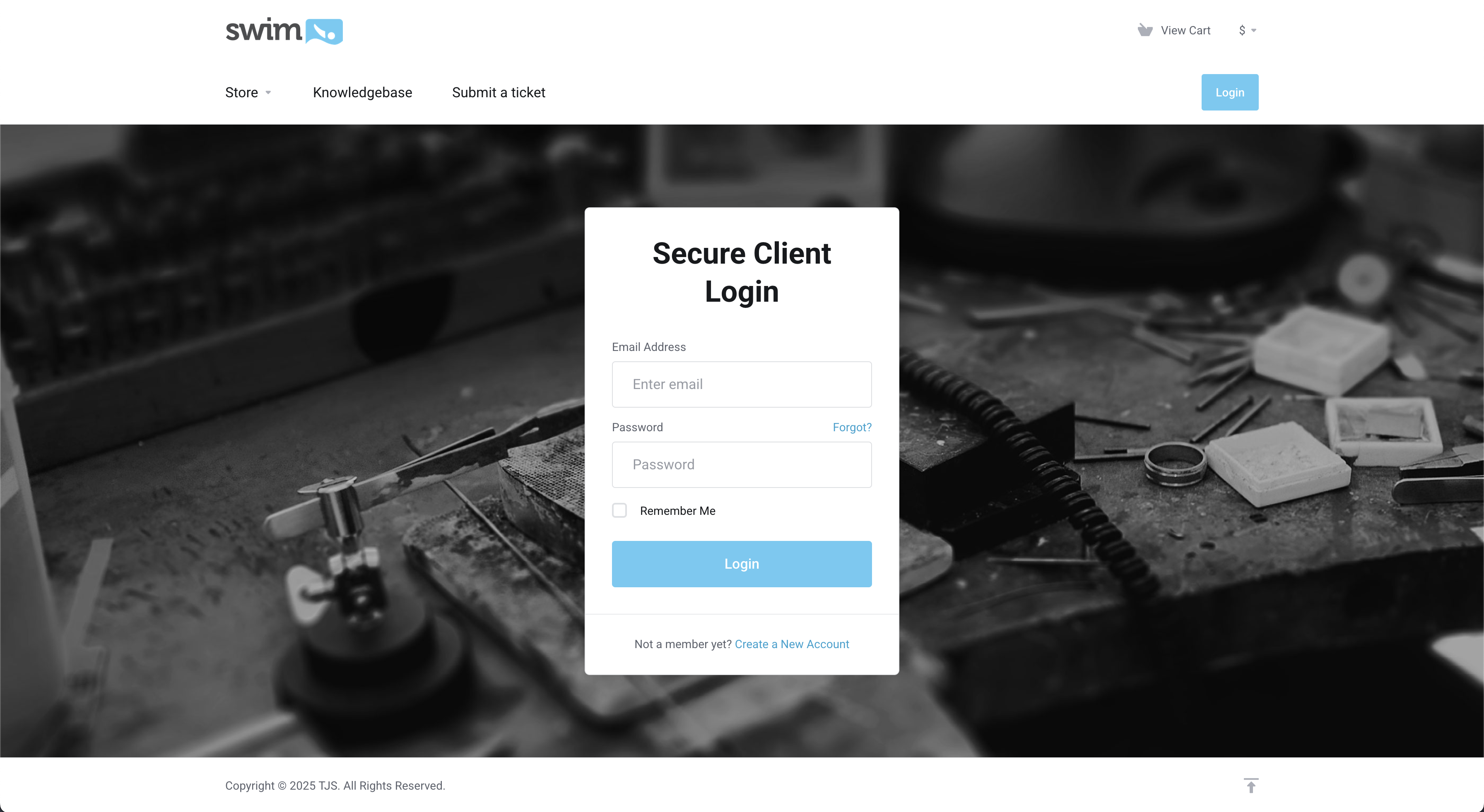
- After logging in, your dashboard will appear. Your active account details are located in the top right corner.
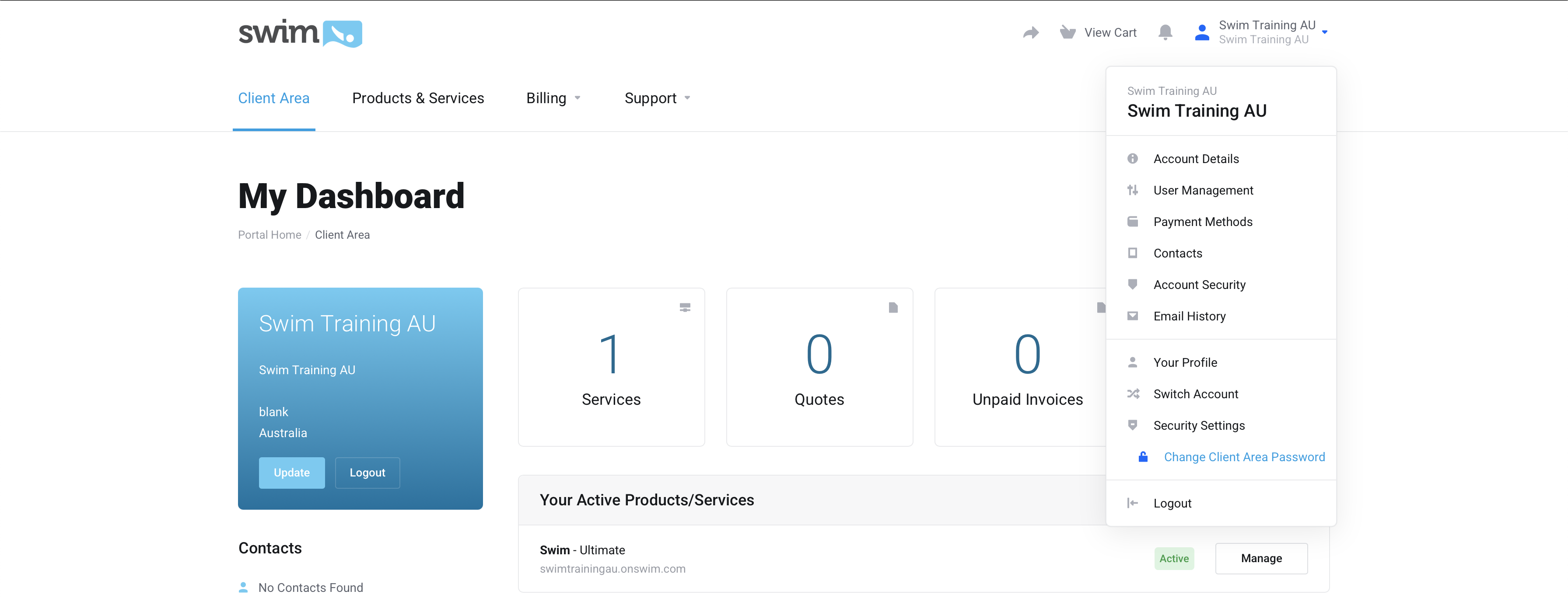
After logging in to the Client Area, you can update your Swim login details by following the steps below.
- Log in at https://support.onswim.com/clientarea.php
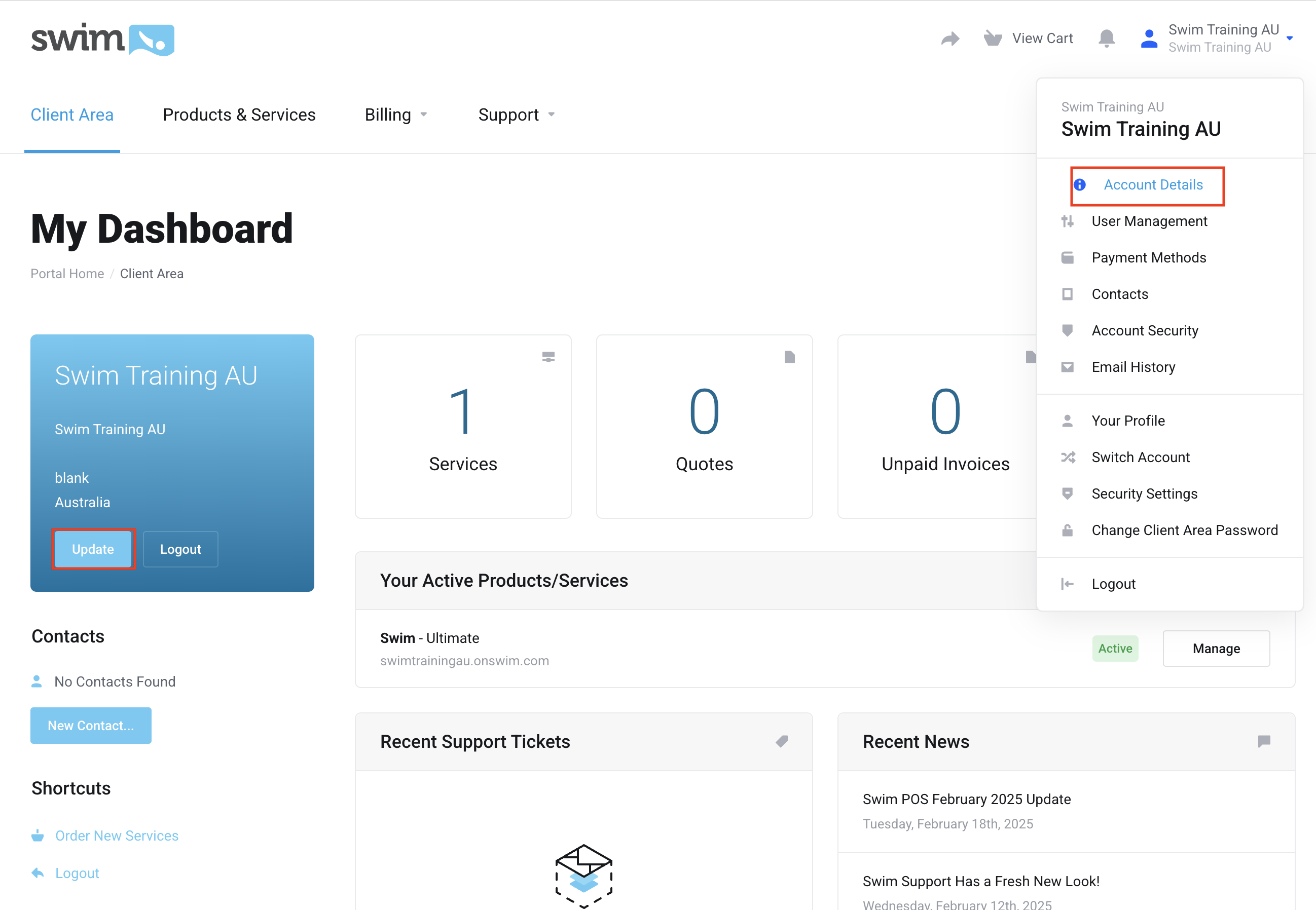
- Click Update on the left side of the page or Select Account Details.
- Scroll down to the Additional Informations.
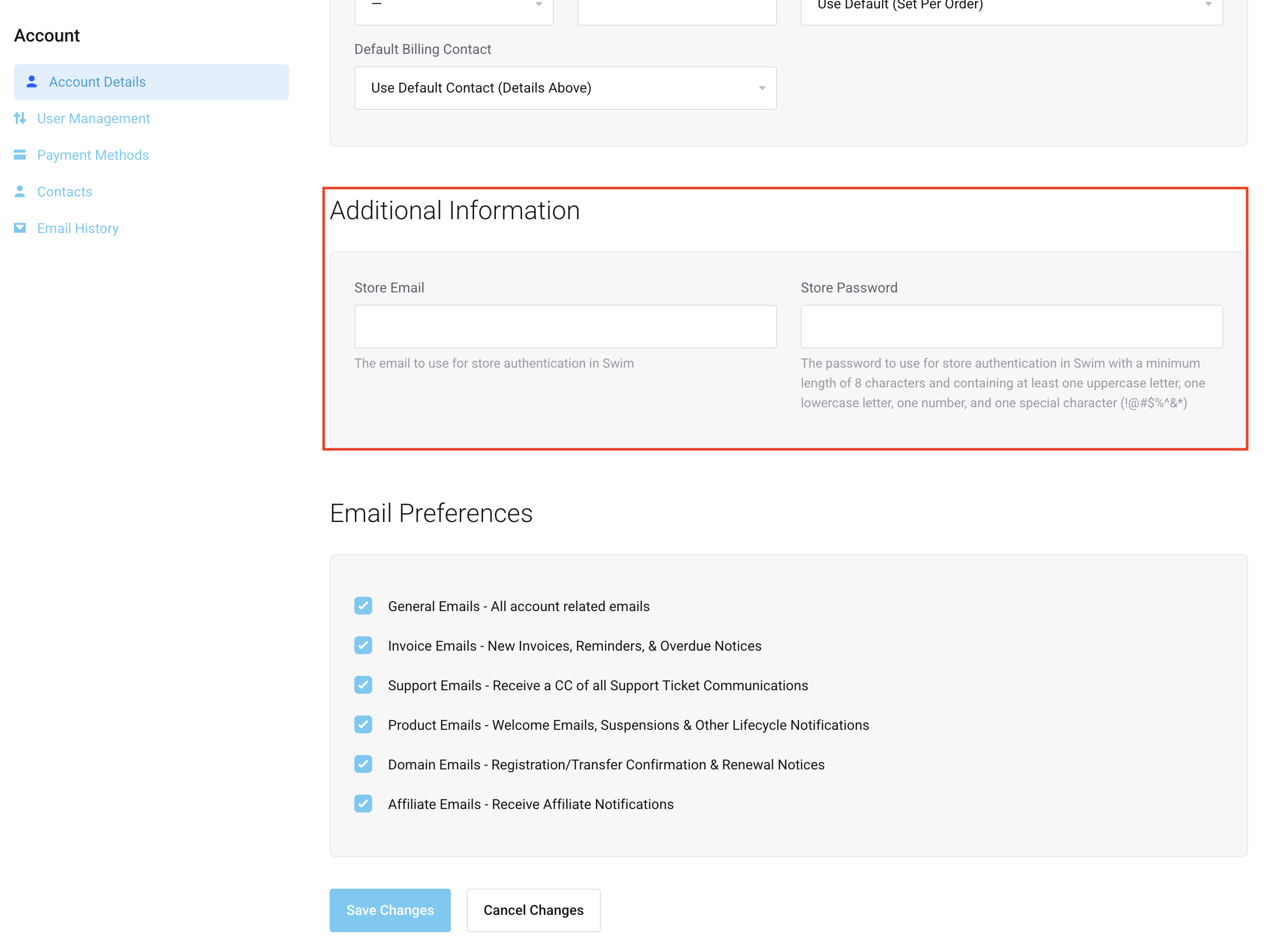
- Enter the email address you wish to use in the Store Email field.
- Enter your new password in the Store Password field.
- Click Save Changes.